FramuraEvery photo deserves a frame.
Framura is a photo app for iPhone and Android. Frames and collages that feel like paper, Lightroom-class editing with your own LUTs, and an export that looks exactly like the preview.

Frames
Frames that feel like paper.
Curated templates with real mats in bone, sand and charcoal. Drop your photos in, move and zoom with a finger, done. Every template is built in relative units, so preview, editor and export look the same.
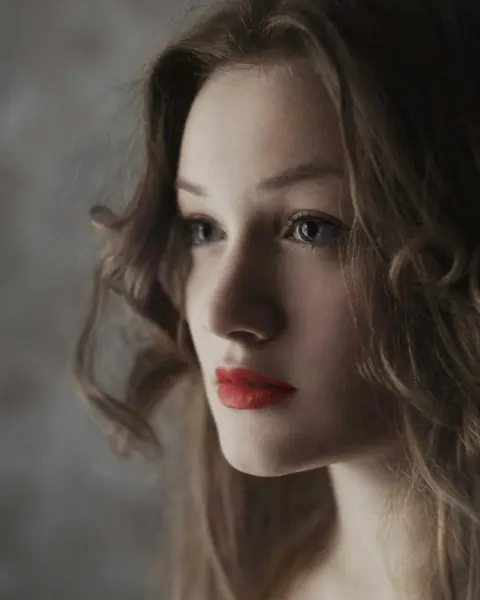 No. 12 — Mara2026
Passe-partout
Wide margins, room for one line at the bottom.
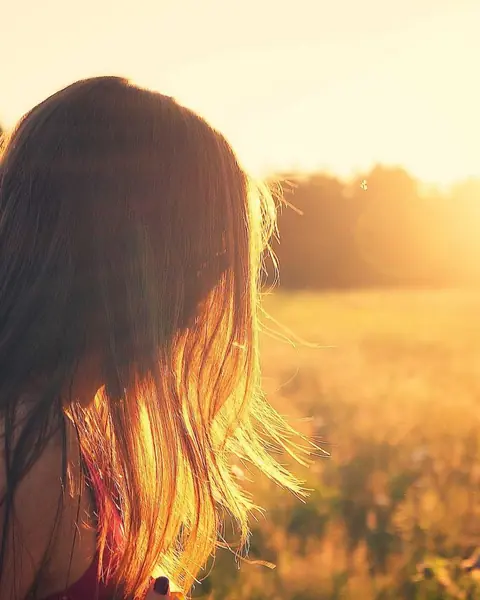
Instant
Light frame with a wide bottom edge, set down slightly askew.

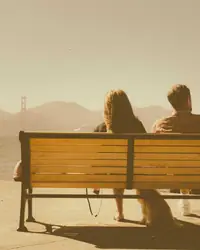
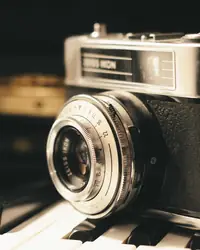
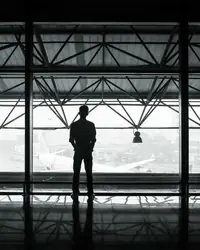
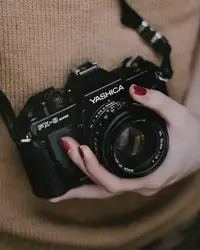
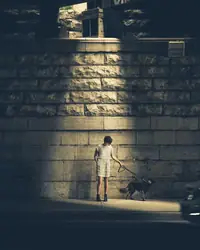
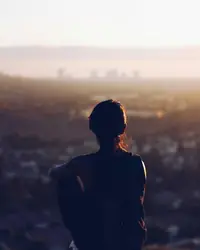
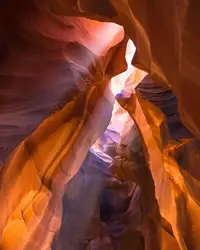
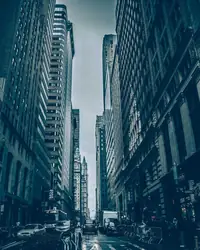 Roll 07HP5 · 400
Contact sheet
A whole roll on one sheet, straight from the lab.
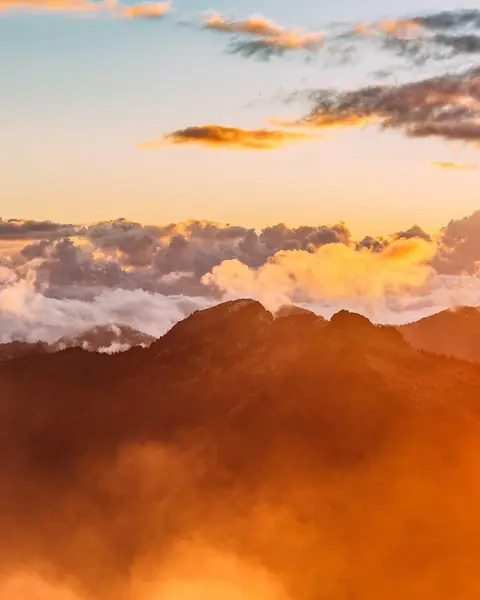
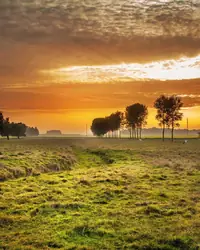
Arch
A window with a rounded top, on sand.
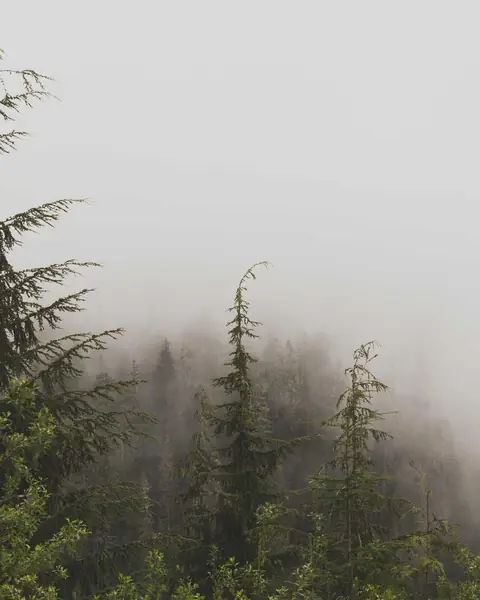
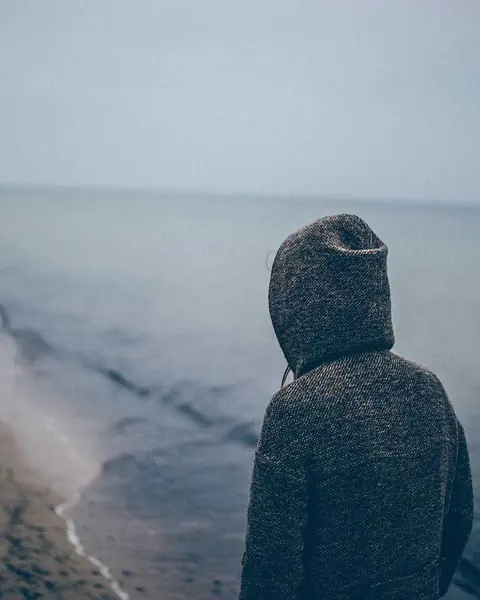
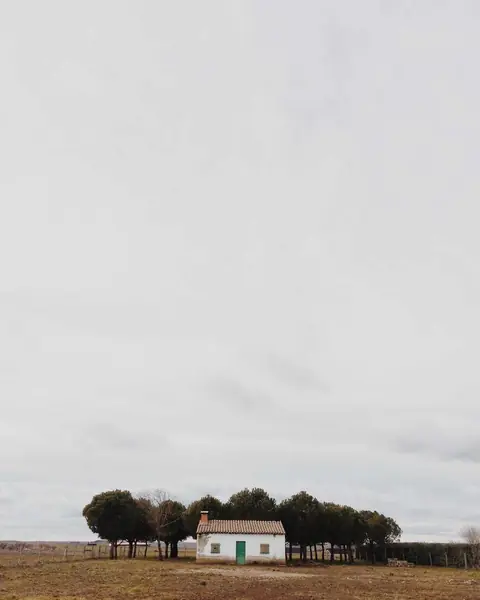
Film strip
Three frames in a row, with sprocket holes.
If none fits, build your own frame in the Creator: as precise as a layout program, made for your thumb.
Panorama carousel
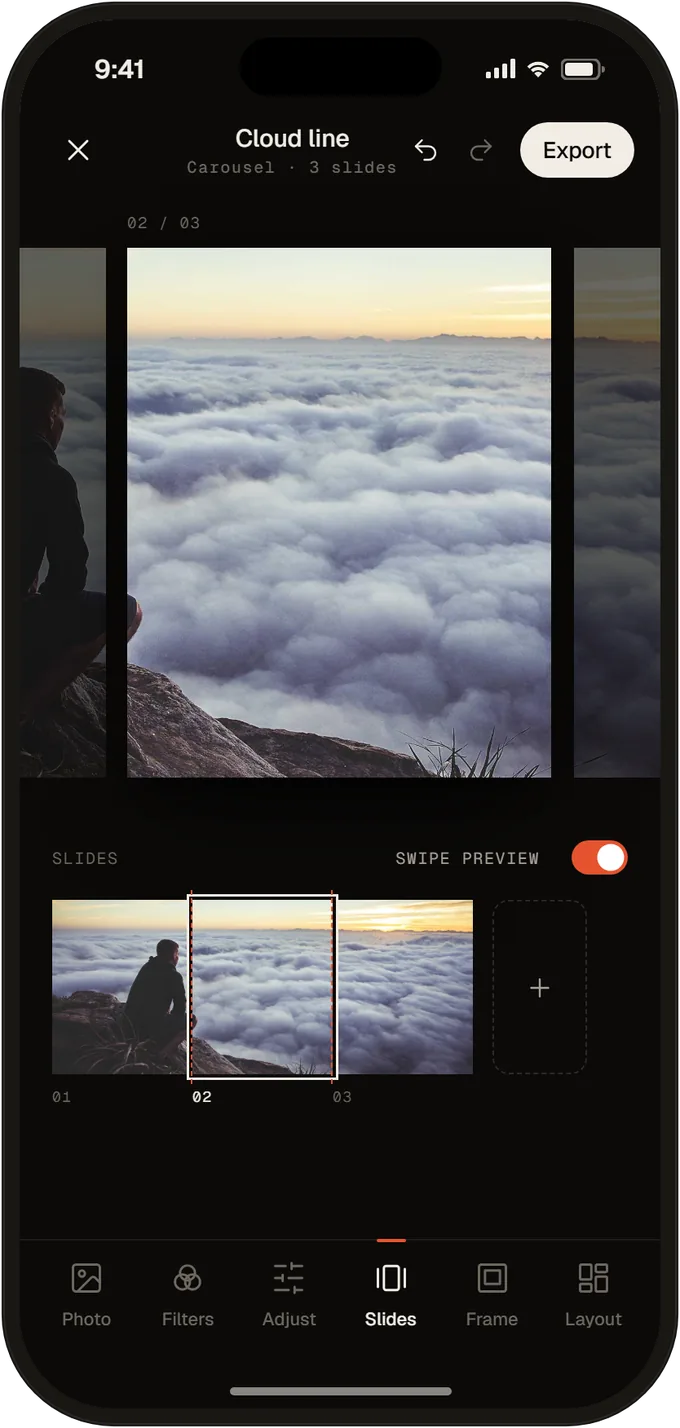
One wide image across three slides, seamless as you swipe.
Develop
Develop like in a darkroom.
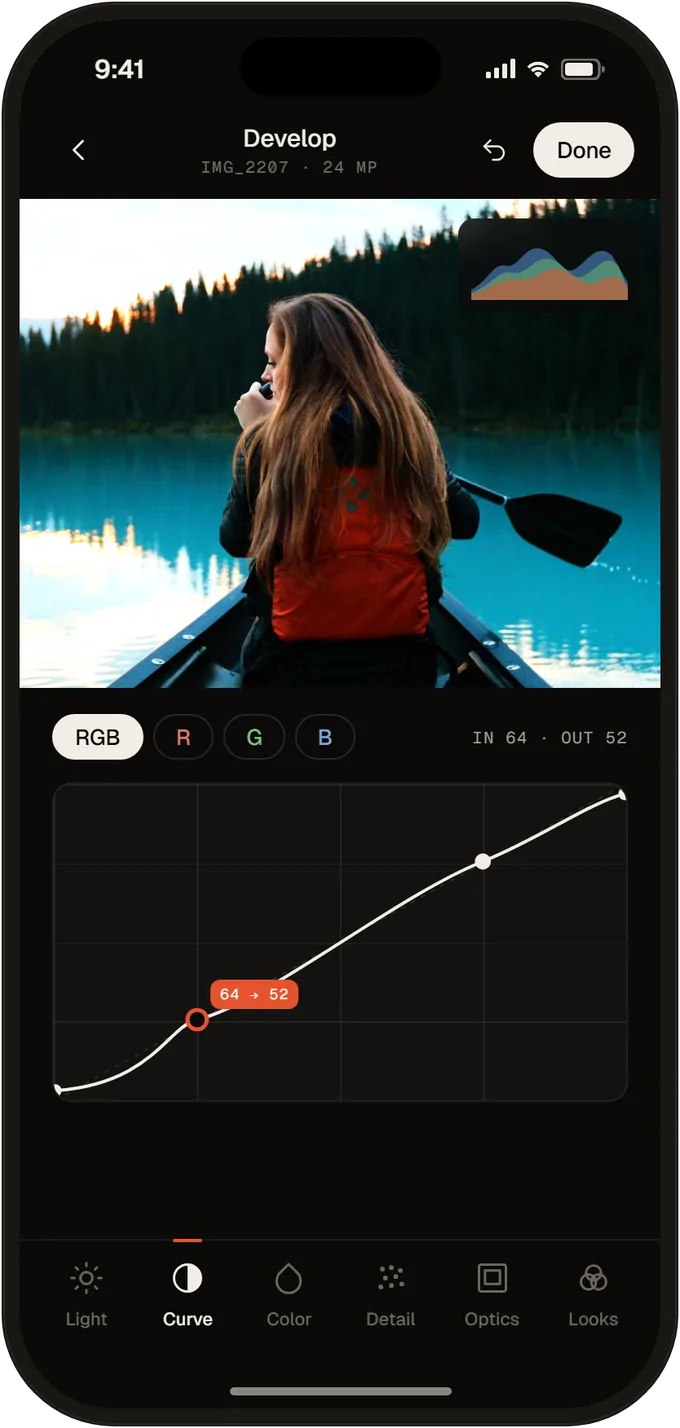
Edit every photo like in a raw developer. Nothing is overwritten: every step lives in a recipe you can copy, save as a preset or apply to all slides.
- Tone curveRGB and single channels, with a histogram that updates live.
- Color mixerEight color ranges, each with hue, saturation and luminance.
- Color gradingWheels for shadows, midtones and highlights, plus global, blending and balance.
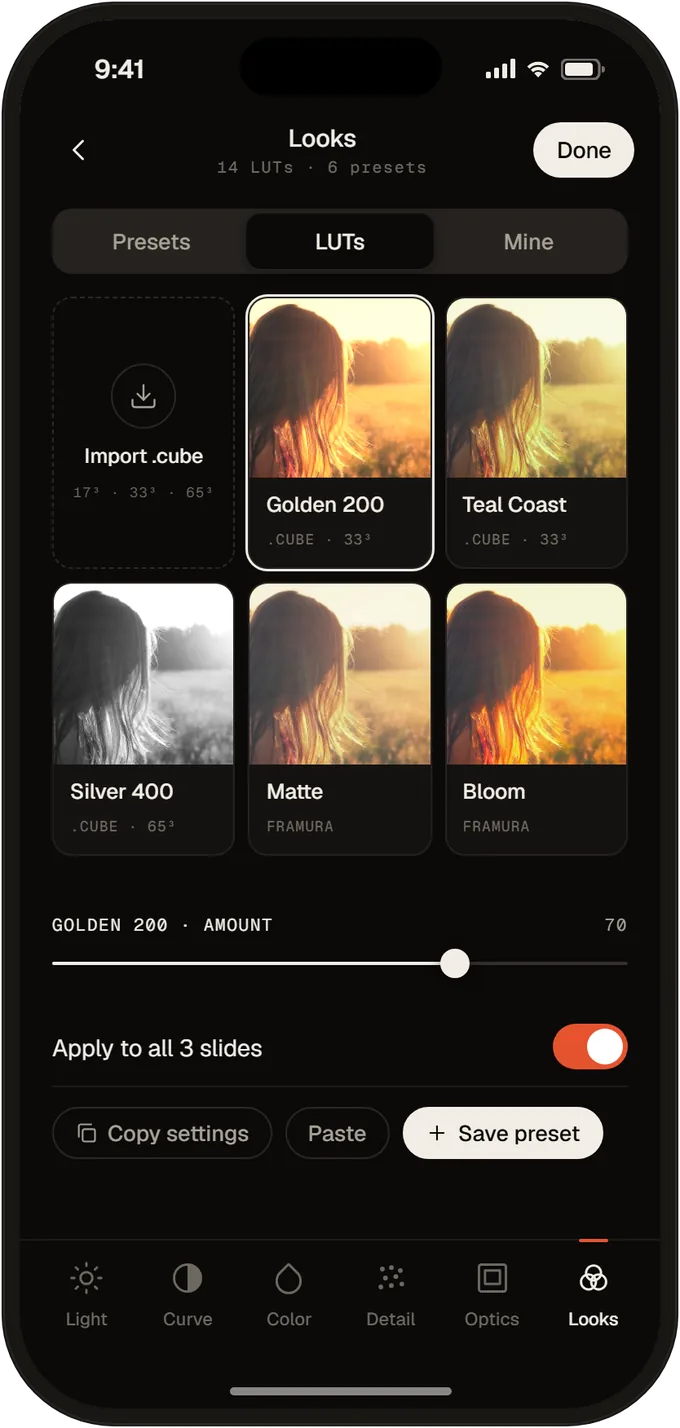
- LUTs as .cubeLoad your own looks from the Files app, from 17³ to 65³. Set the strength freely.
The recipe, in this order
- White balance
- Light
- Curve
- HSL
- Grading
- LUT
- Detail
- Grain
Export
The export is exactly the preview.
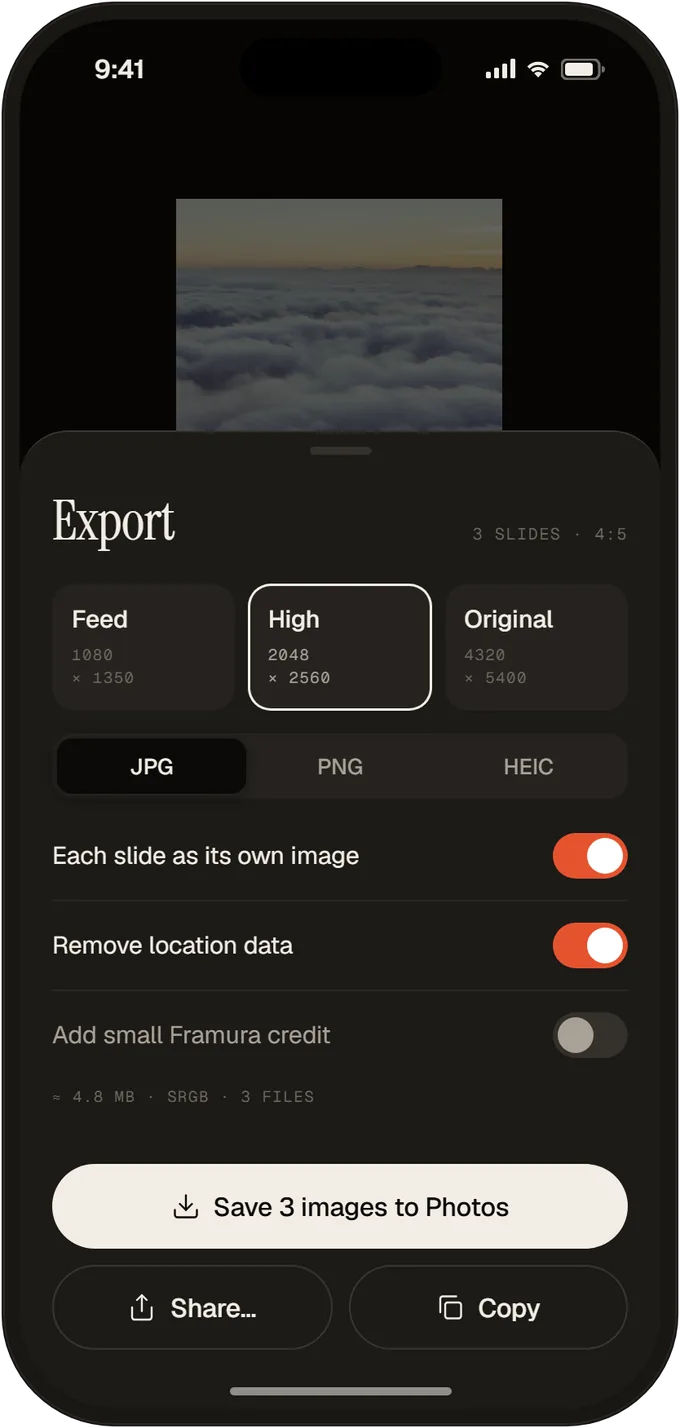
Preview and export come from the same renderer. What you see on screen lands in the file pixel for pixel. No screenshot, no controls in the picture.

Feed
1080 × 1350For Instagram, in exactly the size the feed shows.
Carousel
3 × 1080 × 1350One wide image cut into slides. The edges line up as you swipe.

Print
4320 × 5400Full resolution for prints and fine-art paper.
Community
Curated by photographers.
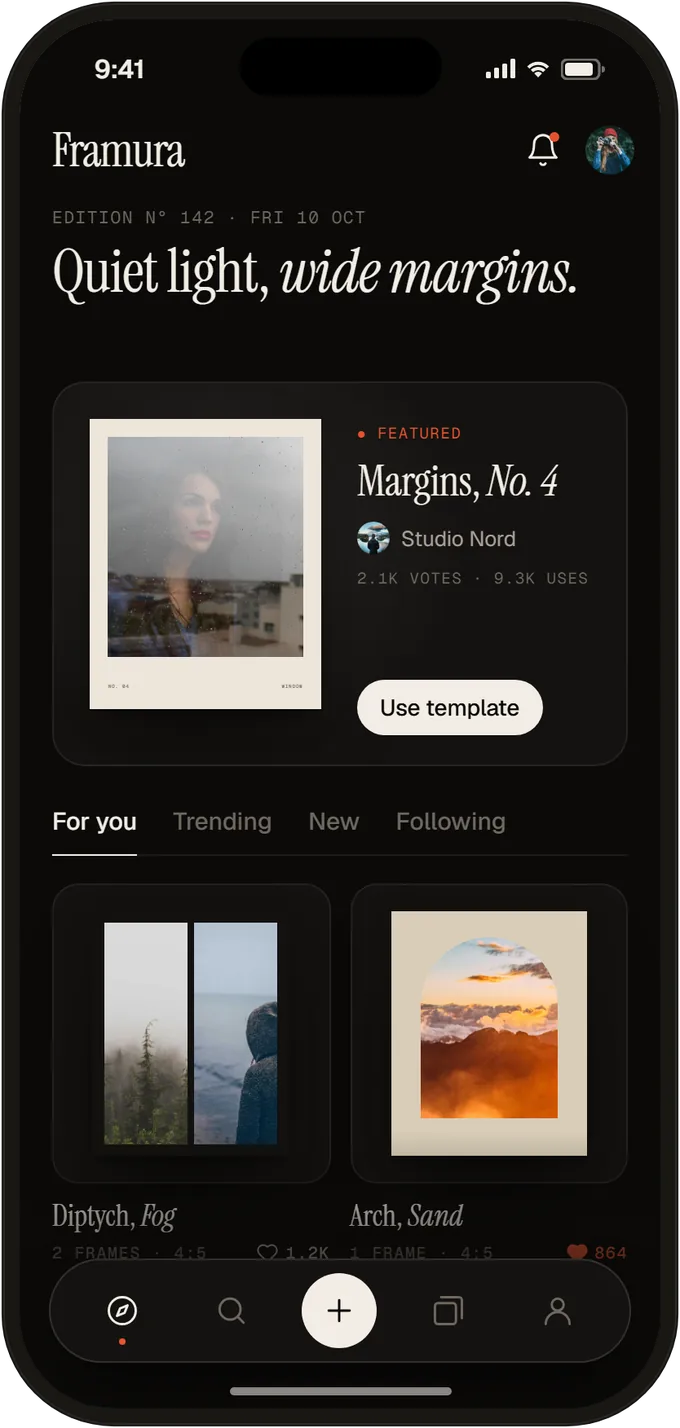
Discover reads like a photo magazine, not a feed. Every day there is an Edition with a theme and one featured template. Below it, the community shares its frames and looks.
- The EditionA curated theme of the day. New creators get seen here.
- Votes, not likesYou vote for templates you actually use. The best ones rise.
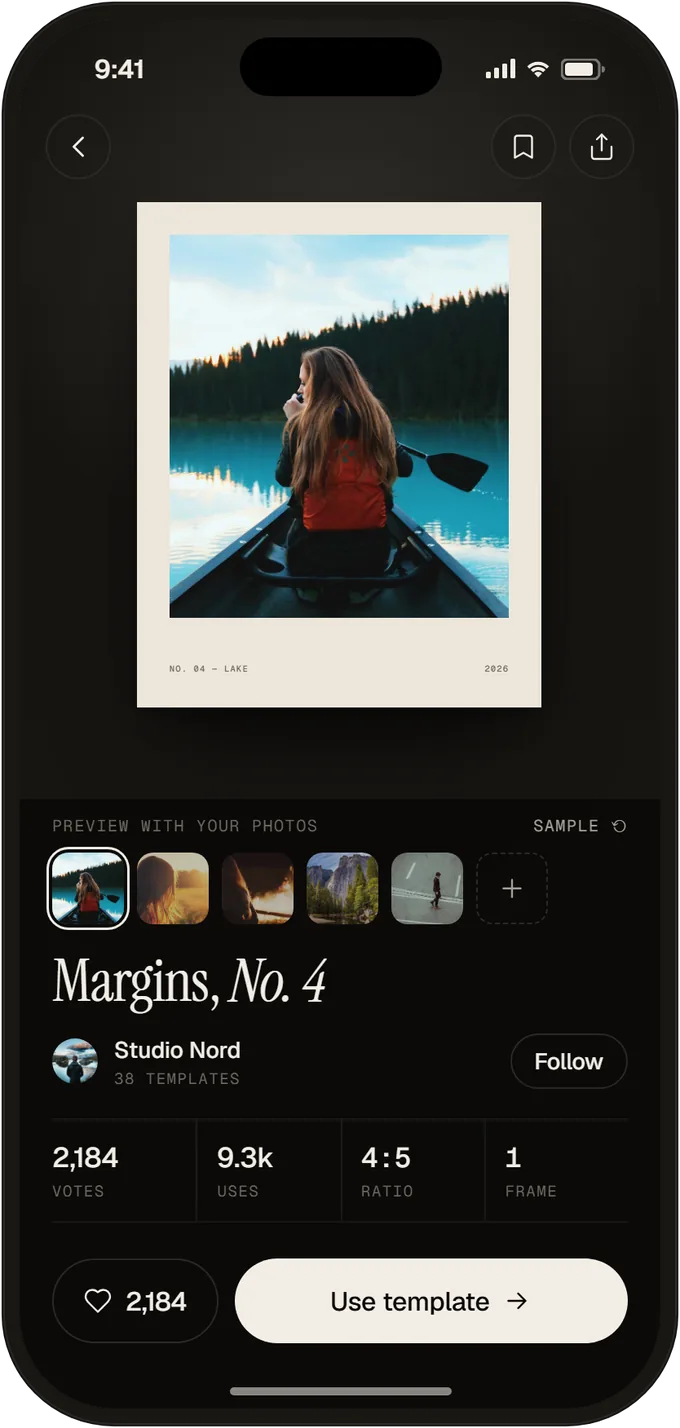
- Try with your photosTest any template with your own pictures first, on device, no upload.
Privacy
Only the photos you choose.
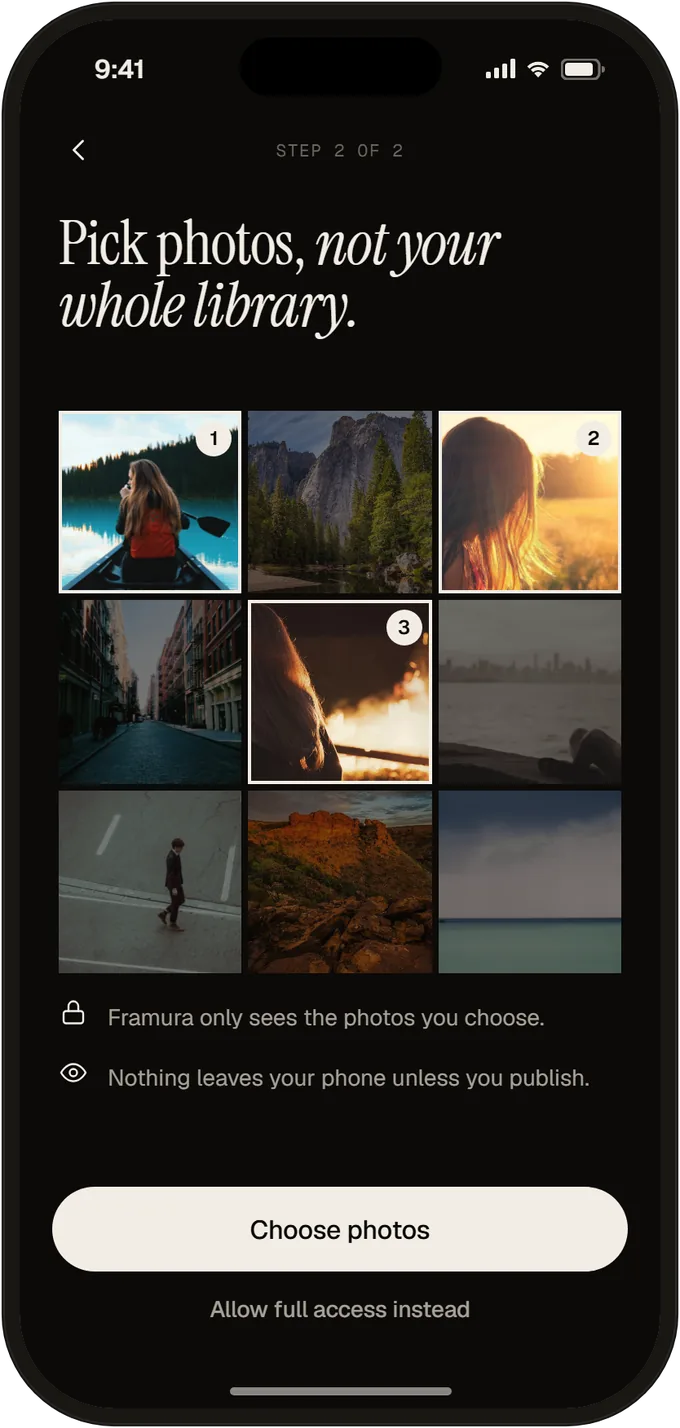
Framura asks for limited photo access. The app only sees the pictures you select, not your whole library. Editing happens on your device.
- Limited access is the default, not the exception.
- Nothing leaves your phone unless you publish.
- Location data is removed on export.
This website sets no cookies and counts no visits either.
Be there when the first print comes out.
Before Framura reaches the stores, we open it to a small circle for a beta test. Sign up and we will invite you to it and write to you at launch.